First things first…received some great news from a few docs. Cannot express how incredibly relieved I feel right now. Also crossed off a worry that has been nagging me for many years. Good day? No, great week!
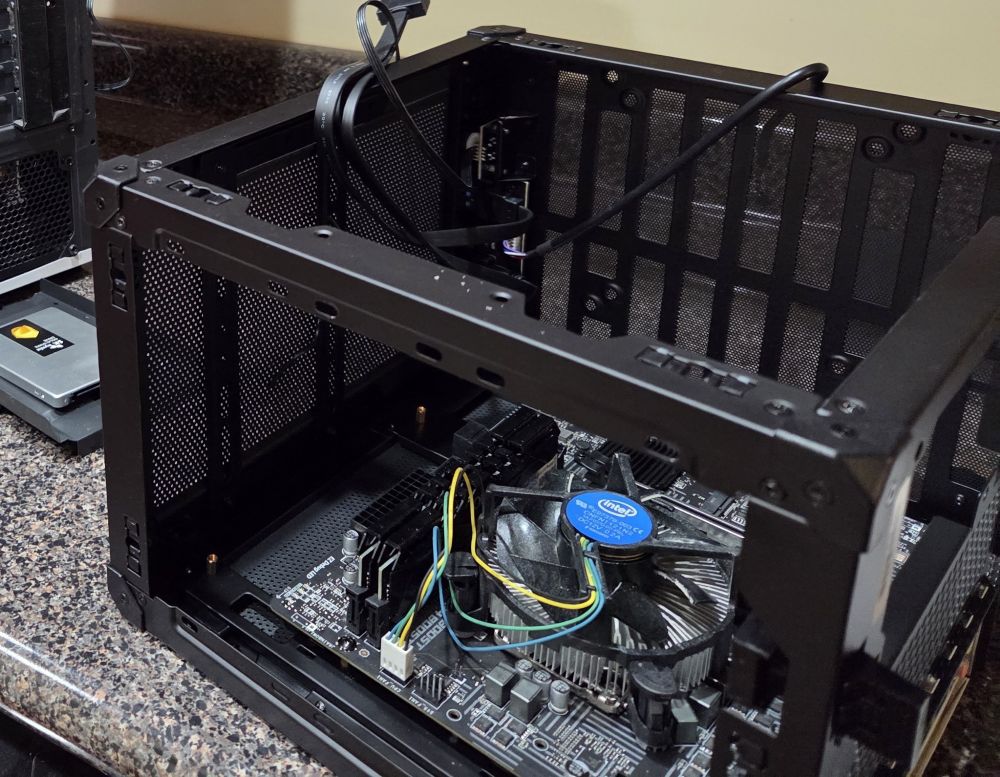
That said, in other news, we were dealing with a mess here (tech). Still working on figuring out a good set up for my “extras”. Started with upgrading a case… that didn’t go as planned. Will probably part out that pc, and use an OptiPlex 3070 to replace it.
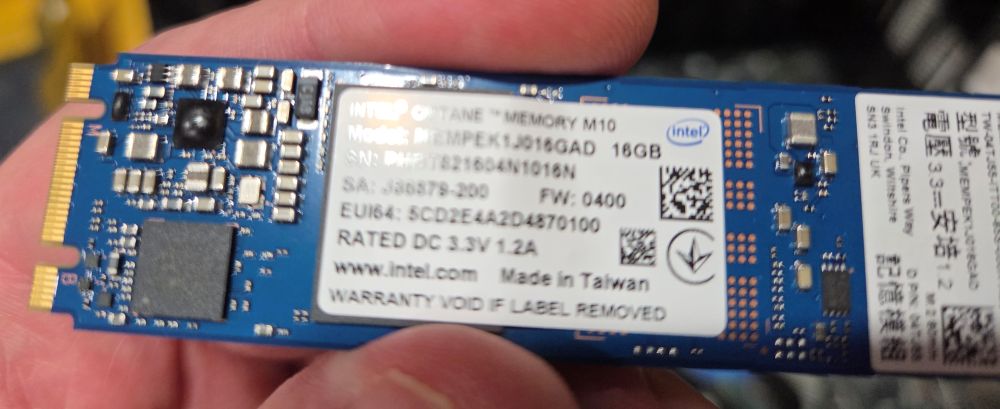
Absolutely love the Intel Optane (16G) for Linux operating systems. This is the third I installed and all are performing great. Affordable, fast, and just enough space to hold the essentials. (Lots of traditional SSDs/thumbs being used for “storage” space now).
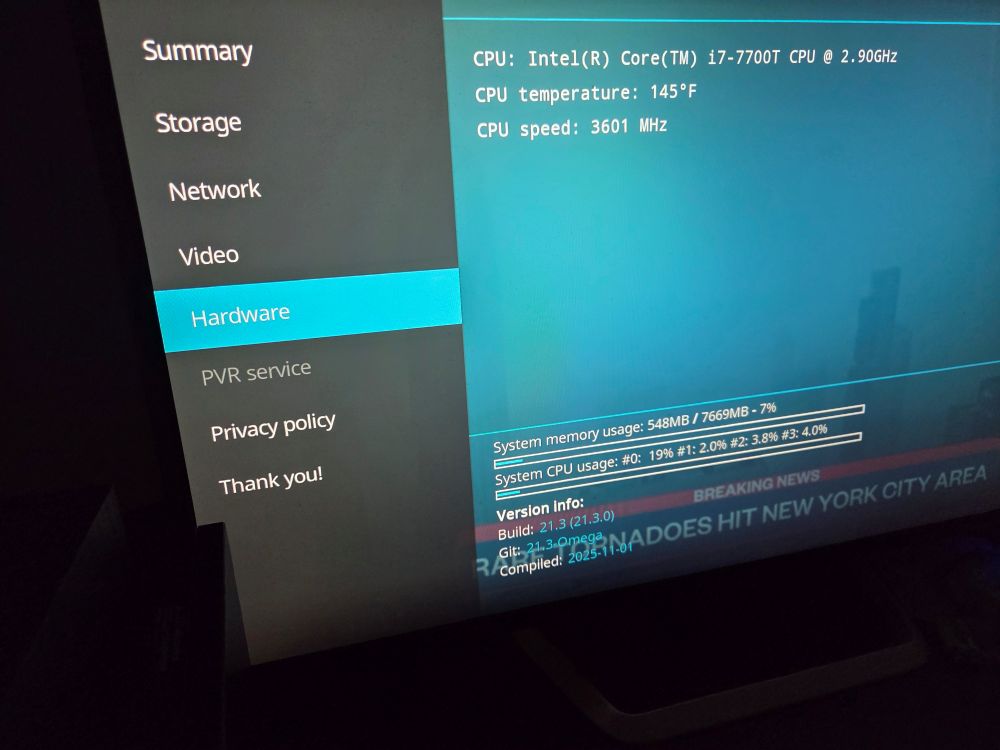
Allow me to start with something very important. This processor/setup DOES NOT support the AV1 codec. Furthermore, hardware cannot be upgraded to support the AV1 codec. Software decoding must be used to handle the “heavy lifting” with such files. The best (micro/card sized), and most budget friendly set up, to handle this file type (codec) is the Radxa X4, equipped with an N100 cpu. Good luck finding one. If you do, good luck getting it at the original $60 price tag.
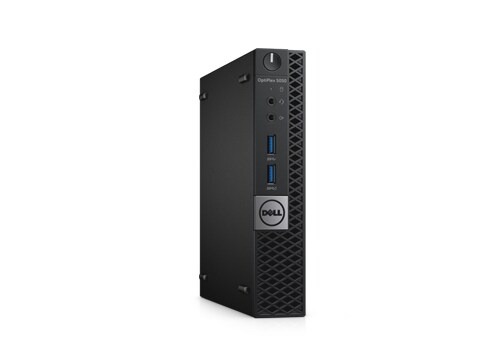
A few options on the 2017 Dell OptiPlex 5050 Micro (mini)
Budget Buys?
-No OS, No HDD, No Power Cord, i5-7500T = $60-$70 w/ 8GB RAM (eBay) (Option 1)
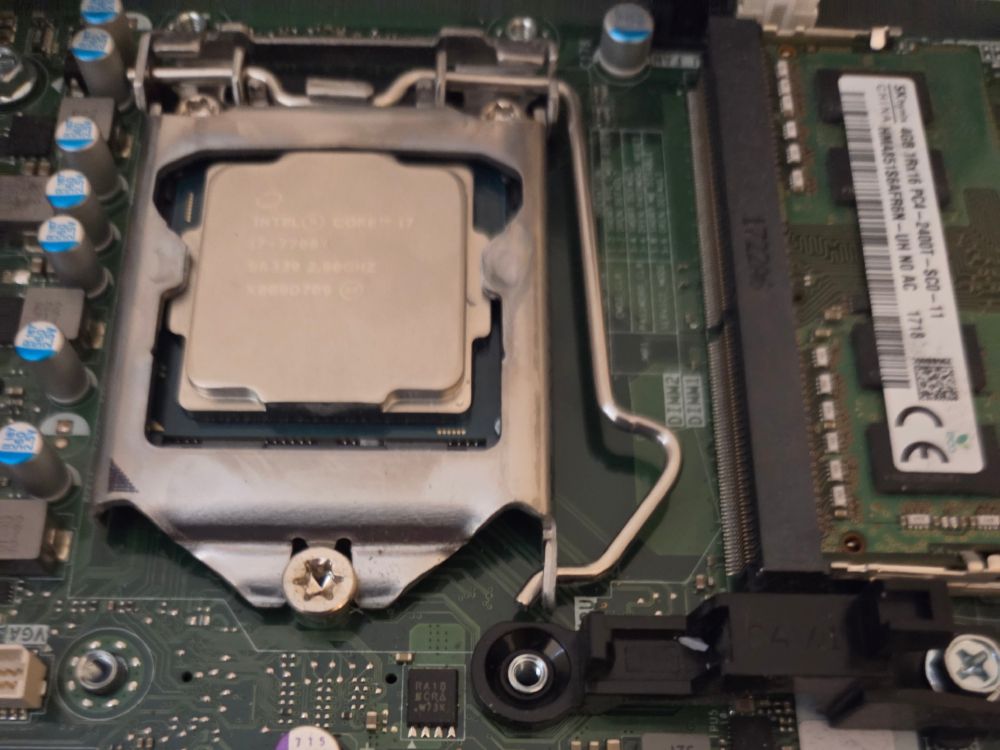
-No OS, No HDD, No Power Cord, i7-7700T = $99 w/ 8GB RAM (eBay) (Option 2)
Whatever choice you made above, you are going to AT LEAST need two additional items.
A hard drive (m.2 SATA, SATA, or both).
Power cord
Because RAM is getting very expensive, Option 1and 2 seem much more attractive.
Why is this worth it? First, form factor. Approximately 7 x 7″ and very capable of running Linux systems, as well as performing as a frontend htpc. Second, price (especially in current economy). It is not a gaming pc, nor a graphics designing/video editing juggernaut. It is what it is, doesn’t pretend to be anything else.
Where to begin (assuming you went option 1, go to next step for option 2).
Use your favorite disk imaging tool to create a bootable USB. Boot, install system as directed by your chosen OS. All should run fairly well, without unreasonable expectations.
Have Fun! I know I will.
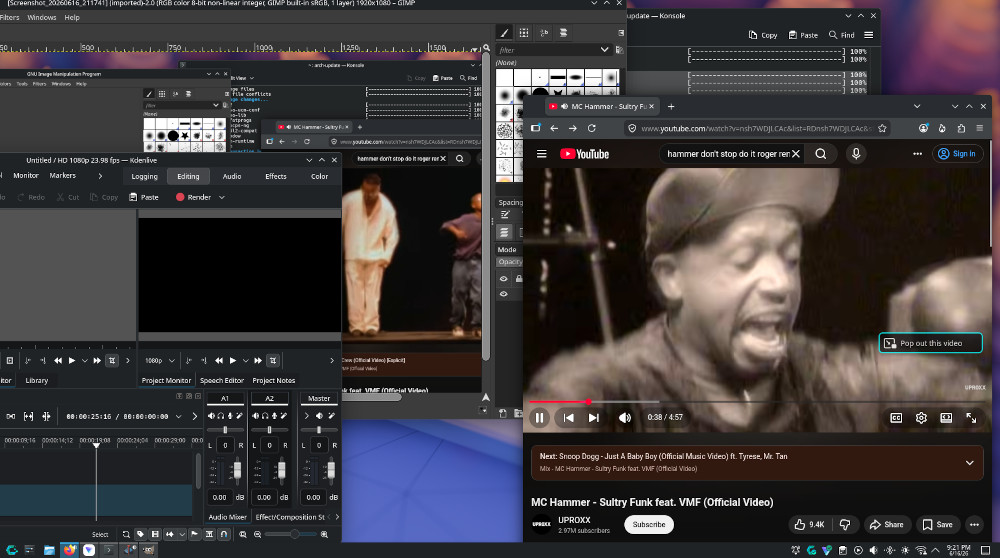
Updated 07/21/26: Added pictures and clarified a few statements.Do not want to jinx it, but this little (outdated) PC is running wonderfully right now. Small, cool, quiet, efficient.
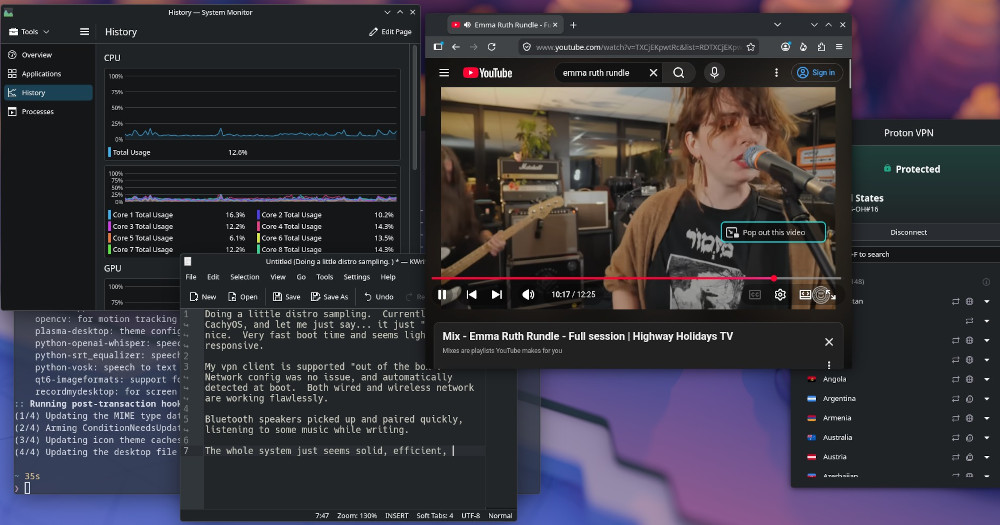
Doing a little distro sampling. Currently on CachyOS, and let me just say… it just “feels” nice. Very fast boot time and seems light and responsive.
My vpn client (app) is supported “out of the box”. Network config was no issue, and automatically detected at boot. Both wired and wireless network are working flawlessly.
Bluetooth speakers picked up and paired quickly, listening to some music while writing.
The whole system just seems solid, efficient, and easy to use.
ArchLinux always seemed like a steep hill to climb. And to get to this sampling of the OS, went through several downloads of another distro…opening the physical shell of my pc…swapping SATA boot drives…and lots of wiping internal and external disks.
Also involved going into the bios and changing quite a few settings.
The CachyOS made the whole iso preparation/installation process simple. It’s light and very easy to use if you are familiar with basic terminal (CLI) commands and also have a basic understanding of linux systems.
So, it’s been a very long time since I’ve used protection. There are a ton viruses going around, and there are many known methods used through manipulative tactics, to entrap individuals. Not to mention, the growing popularity of the “backdoor”. It’s been a REAL long time since I’ve had any legitimate reason to be concerned about viruses.
However, as the saying goes, it’s better to be safe than sorry. So I recently started using another vpn, thinking about migrating back over to Linux for the majority of my computer activities. The thoughts about security/protection also came to mind pertaining to streaming services and smart devices. Would it possibly be safer, in the future, to buy monitors (not smart TV) + SBC (w/ kodi) for entertainment needs? Audio may be an issue that needs attention.
….anyways, in a few minutes it’s Friday (they call it lent), and tonight made homemade Crab Rangoon. Will reheat tomorrow. (Recipe may be on its way, once I tweak it a bit)
Distrowatch is still around, so is Gparted. And I’m mentioning this because a custom build, and a “deal” gaming PC remain dormant in my computer room. Linux Mint appears to be the winner in the most user friendly Linux operating system (believe it’s an ubuntu/Debian flavor of Linux). It reminds me of PCLinuxOS from years ago. NOTE: PCLinuxOS is back!
The question is, what do you do with two pretty damn nice pcs, after you realize a laptop is more than enough for your needs?
A: Backup (Windows) A: Backup (Linux, for recovery purposes)
Gimp, Audacity, and even many competing video editors are always nice when proprietary software has issues…hell, many times, they are great alternatives.
Currently running Linux Mint on one of these PC’s, but very surprised to learn PCLinuxOS is back. Might have to check it out.