What Year is it Again?

Hello internets. Forgive me for sounding a little too excited, but I’ve been having many (good) flashbacks of some great times in open source development and projects I used to work on.

Even though this was something I absolutely was not going to do, it just looked too damn good to pass up. A centralized location for an antenna, program guides, scheduled recordings, and a trip to Dinosaur World (Clifford reference) to pick up hardware… Micro Center, “the only place where a boy like me can be happy”. Umm. Yes.

So the project was a networked TV source, frontends/backend server/clients, just like yesterday. The difference is, I am not using a satellite/cable feed this time, but a mere household antenna. Very similar to rabbit ears. 50+ Channels with info, guides, like a good old cable receiver…plus the “dvr” option.
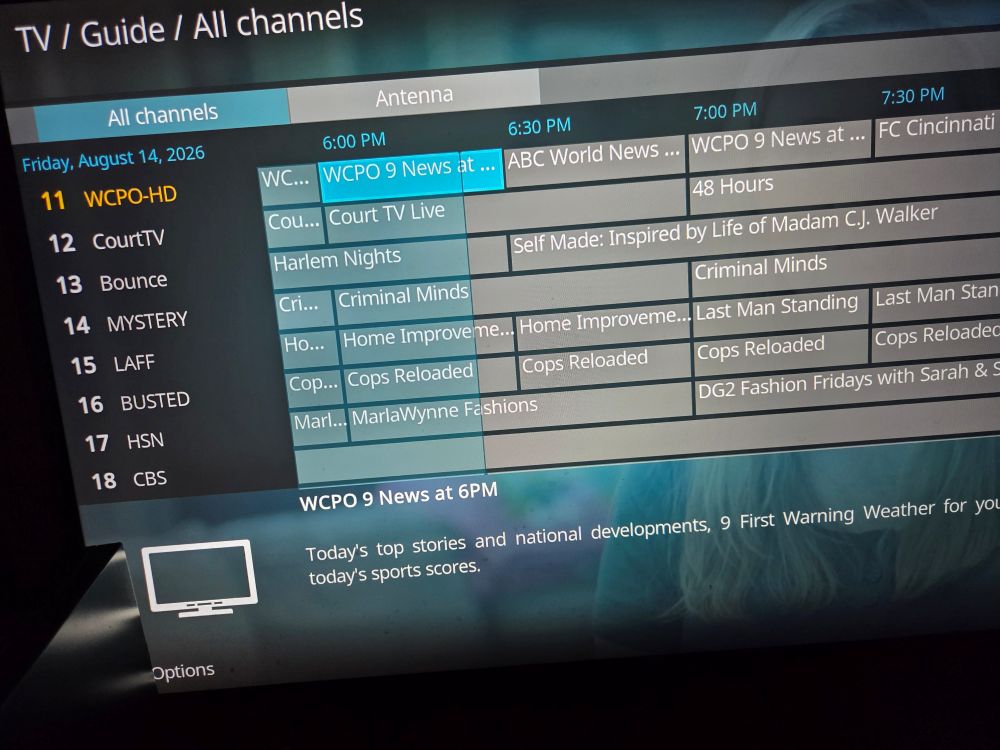
We are not trying to reinvent the wheel here, actually we’re using the updated software of yesteryear. Did someone say xbmc is still around (kodi)? And mythtv? Say whhaaaattt? And they play together nicely, fluently? Sign me up!

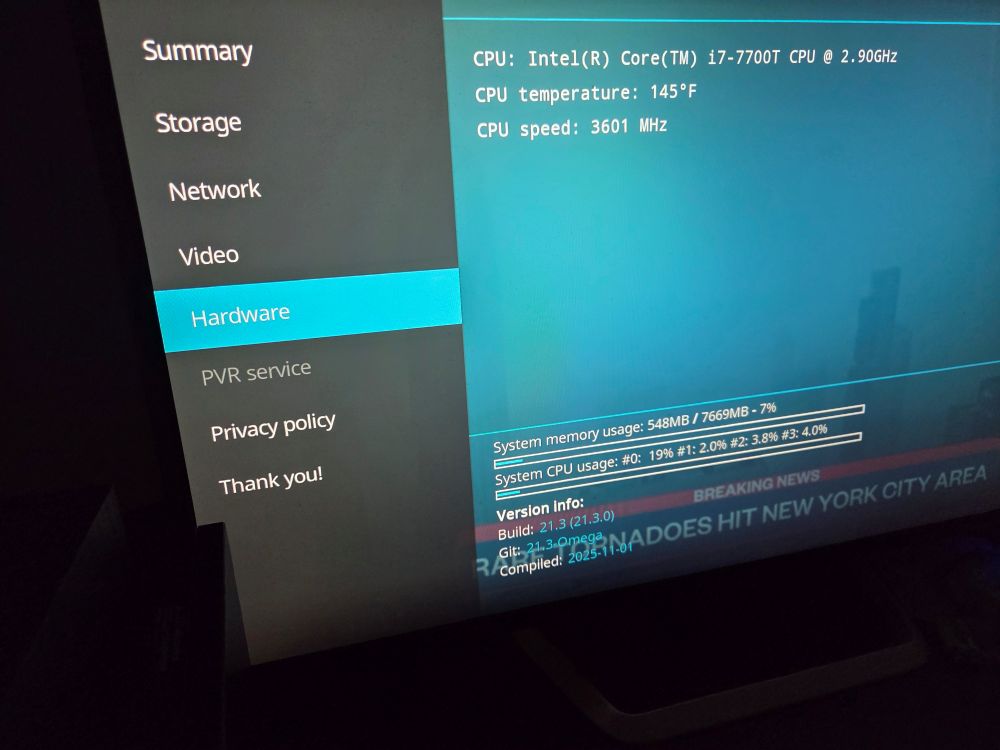
The “big” pc, is now a backend server, the rebuilt Opti5050 a client/frontend. With another frontend in the mix.
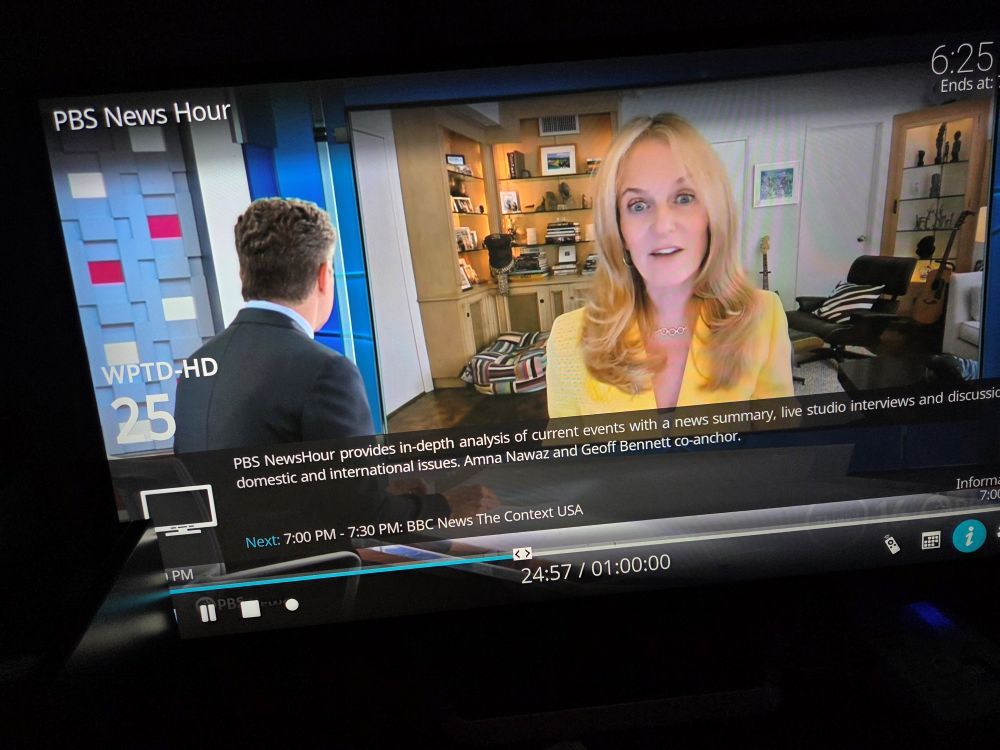
Can’t believe I’m saying this in August of 2026, but if you’re looking for a DIY PVR or simply looking for a way to network an OTA antenna feed, give kodi + mythtv a shot.
Absolutely Enthused (Five-0, Five-0)

Allow me to start with something very important. This processor/setup DOES NOT support the AV1 codec. Furthermore, hardware cannot be upgraded to support the AV1 codec. Software decoding must be used to handle the “heavy lifting” with such files. The best (micro/card sized), and most budget friendly set up, to handle this file type is the Radxa X4, equipped with an N100 cpu. Good luck finding one. If you do, good luck getting it at the original $60 price tag.

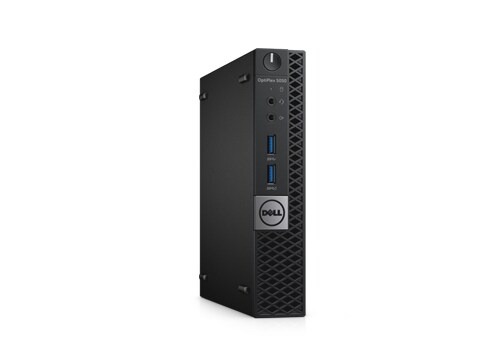
A few options on the 2017 Dell OptiPlex 5050 Micro (mini)

Budget Buys?

  • -No OS, No HDD, No Power Cord, i5-7500T = $60-$70 w/ 8GB RAM (eBay) (Option 1)
  • -No OS, No HDD, No Power Cord, i7-7700T = $99 w/ 8GB RAM (eBay) (Option 2)
  • -Only Motherboard – $25 (NewEgg) (Option 3)

Upgrade?

  • -Go i7-7700T
  • -RAM (Upgradeable to 32 GB)

Whatever choice you made above, you are going to AT LEAST need two additional items.

  • A hard drive (m.2 SATA, SATA, or both).
  • Power cord

Because RAM is getting very expensive, Option 1 and 2 seem much more attractive.

Why is this worth it? First, form factor. Approximately 7 x 7″ and very capable of running Linux systems, as well as performing as a frontend htpc. Second, price (especially in current economy). It is not a gaming pc, nor a graphics designing/video editing juggernaut. It is what it is, doesn’t pretend to be anything else.

Where to begin (assuming you went option 1, go to next step for option 2).

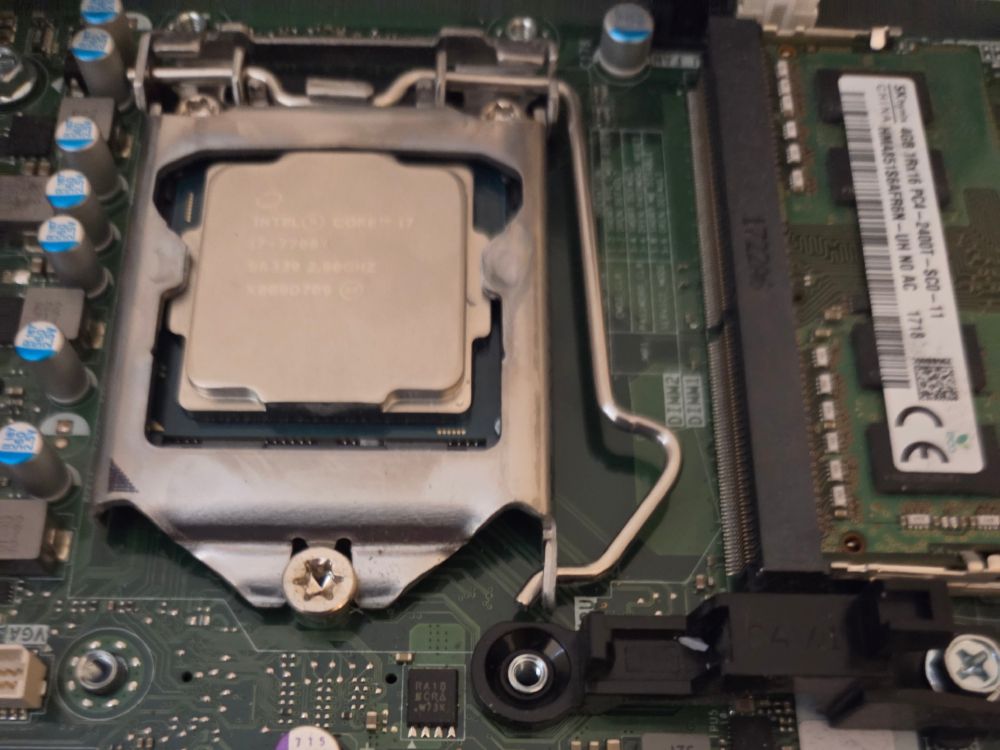
-Upgrade the CPU to an i7-7700T by following these steps.

Next, we are going to install an M.2 SATA drive, follow this wonderful gentleman’s tutorial. He’s as enthusiastic as I am!

Wow, love that dude. We speak the same language! “NEVER TOUCH THE GOLD CONNECTOR PINS!”

We are up and running!

What’s next? How about an OS (x86_64)?

Libreelec
Gentoo
CachyOS
LinuxMint
Ubuntu
Fedora
ArchLinux

Use your favorite disk imaging tool to create a bootable USB. Boot, install system as directed by your chosen OS. All should run fairly well, without unreasonable expectations.

Have Fun! I know I will.

Updated 07/21/26: Added pictures and clarified a few statements. Do not want to jinx it, but this little (outdated) PC is running wonderfully right now. Small, cool, quiet, efficient.