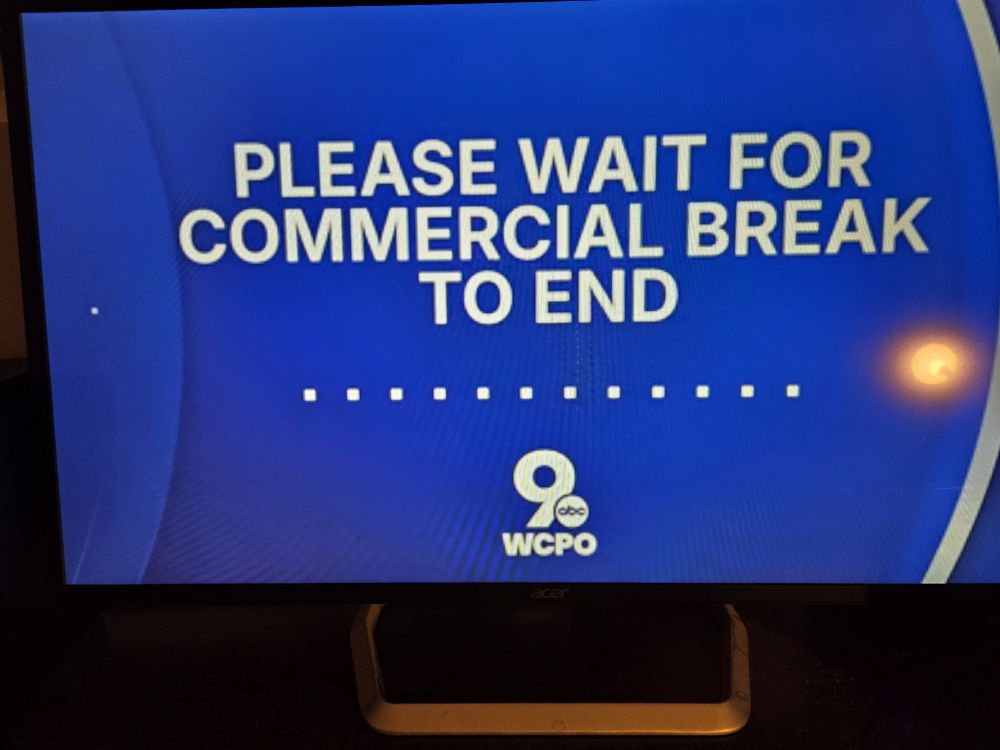
Absolutely Enthused (Five-0, Five-0)

Allow me to start with something very important. This processor/setup DOES NOT support the AV1 codec. Furthermore, hardware cannot be upgraded to support the AV1 codec. Software decoding must be used to handle the “heavy lifting” with such files. The best (micro/card sized), and most budget friendly set up, to handle this file type is the Radxa X4, equipped with an N100 cpu. Good luck finding one. If you do, good luck getting it at the original $60 price tag.

A few options on the 2017 Dell OptiPlex 5050 Micro (mini)
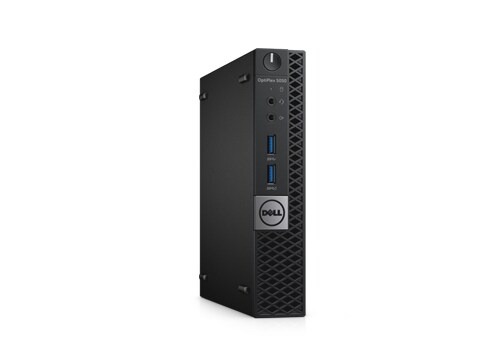
Budget Buys?

  • -No OS, No HDD, No Power Cord, i5-7500T = $60-$70 w/ 8GB RAM (eBay) (Option 1)
  • -No OS, No HDD, No Power Cord, i7-7700T = $99 w/ 8GB RAM (eBay) (Option 2)
  • -Only Motherboard – $25 (NewEgg) (Option 3)

Upgrade?

  • -Go i7-7700T
  • -RAM (Upgradeable to 32 GB)

Whatever choice you made above, you are going to AT LEAST need two additional items.

  • A hard drive (m.2 SATA, SATA, or both).
  • Power cord

Because RAM is getting very expensive, Option 1 and 2 seem much more attractive.

Why is this worth it? First, form factor. Approximately 7 x 7″ and very capable of running Linux systems, as well as performing as a frontend htpc. Second, price (especially in current economy). It is not a gaming pc, nor a graphics designing/video editing juggernaut. It is what it is, doesn’t pretend to be anything else.

Where to begin (assuming you went option 1, go to next step for option 2).

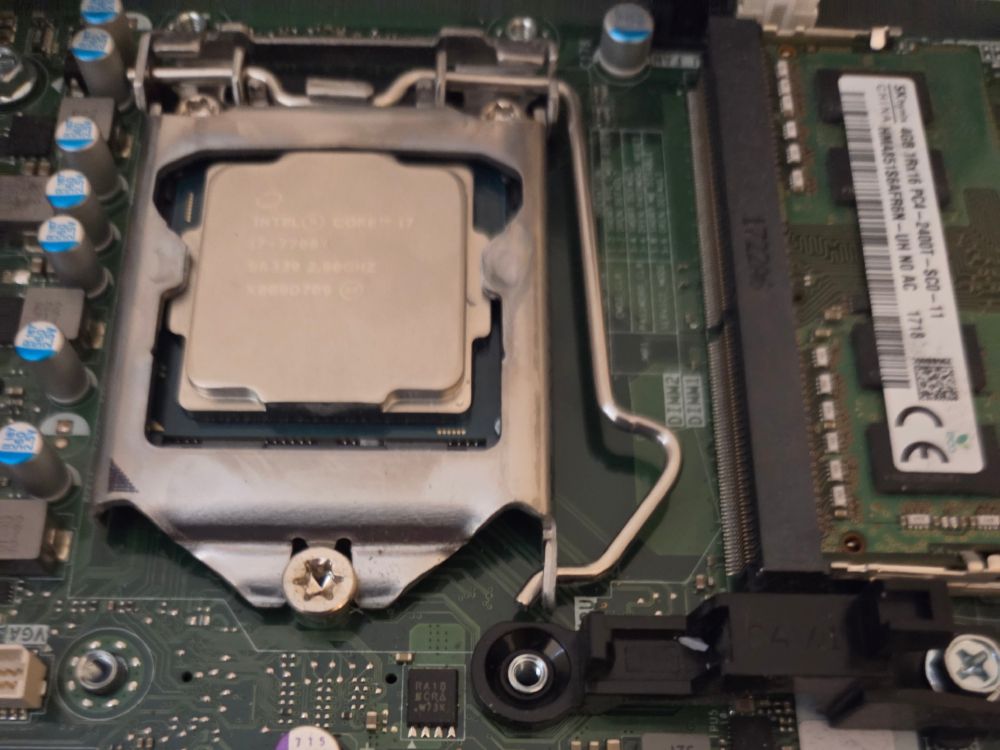
-Upgrade the CPU to an i7-7700T by following these steps.

Next, we are going to install an M.2 SATA drive, follow this wonderful gentleman’s tutorial. He’s as enthusiastic as I am!

Wow, love that dude. We speak the same language! “NEVER TOUCH THE GOLD CONNECTOR PINS!”

We are up and running!
What’s next? How about an OS (x86_64)?
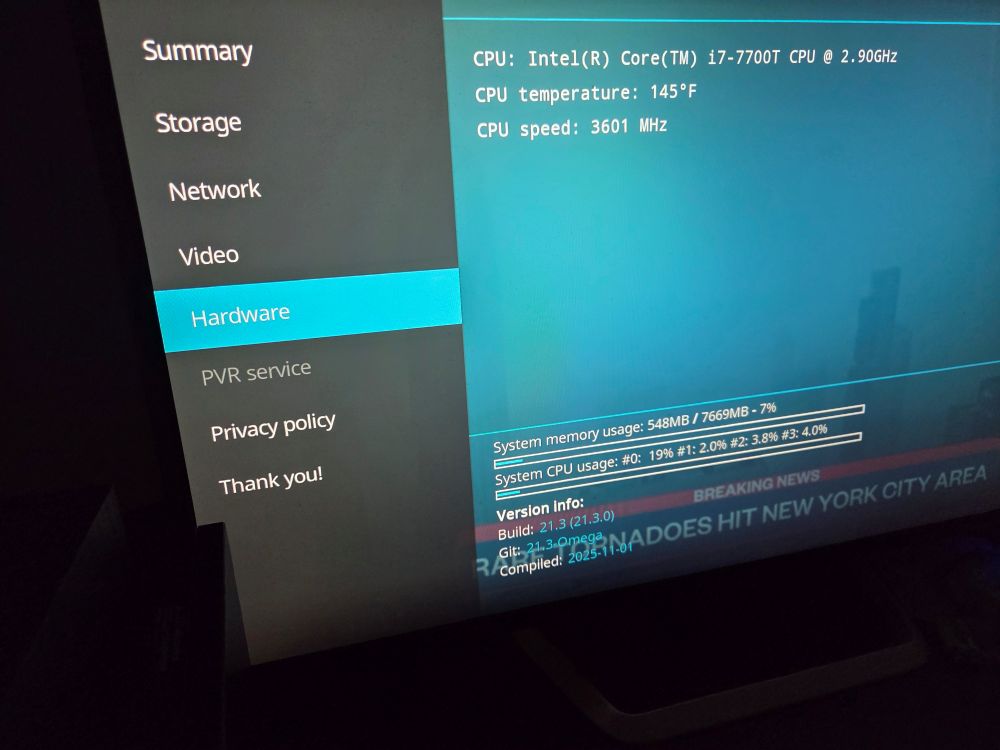
Libreelec
Gentoo
CachyOS
LinuxMint
Ubuntu
Fedora
ArchLinux

Use your favorite disk imaging tool to create a bootable USB. Boot, install system as directed by your chosen OS. All should run fairly well, without unreasonable expectations.

Have Fun! I know I will.

Updated 07/21/26: Added pictures and clarified a few statements. Do not want to jinx it, but this little (outdated) PC is running wonderfully right now. Small, cool, quiet, efficient.
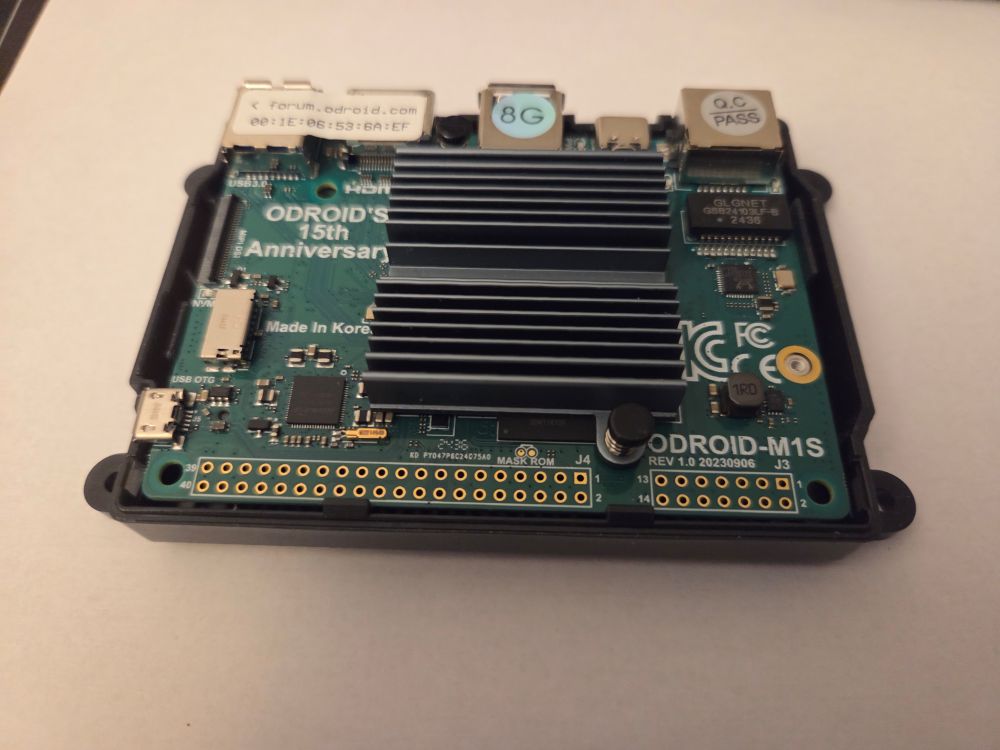
Back to Testing (Revised)

Regarding the Odroid M1S and xbmc/kodi:

As I was doing further testing, realized this OS is probably not ready for the masses. Testing is looking good, and very promising. However, I was doing my initial testing over cat5, a keyboard, and mouse. No adapters or awkward components were tested yet. Video played fine through a few streaming services (add ons) while checking things out.

And that’s what stage this OS is in. Testing.

Looks promising and hopefully some snags will be fixed soon. Again, to the developers, thank you for your dedication. You guys are awesome!

Updated 7/12/26

The Fifth.

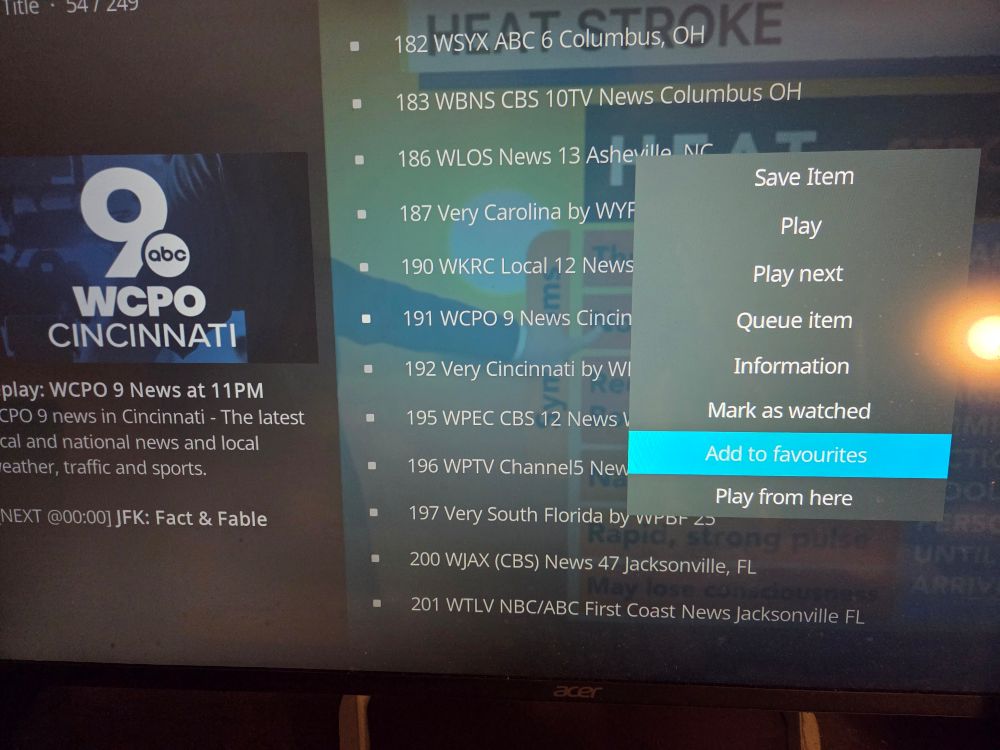
As previously noted/anticipated, switched to a “dumb” computer monitor for the majority of my TV viewing time. The challenge was local news, and without a tuner card, seemed nearly impossible. XBMC (now kodi) offers several add-on’s, one named “Local Now” (you may be familiar with it).

Local Now, offers local newscasts from ocean to ocean in the US, plus more. And it’s great that it runs on xbmc/kodi, because it removes the need to set up a networked antenna, utilizing a networked tuner card. Or to be logged into an account.

Great commercial/advertising skipping, at times, also.

So what are we dealing with here (from an old backup, custom built computer)?

This is wonderful. For a while I was missing my morning news with my coffee. Not any more.

**Updated links to reflect the correct products.

Flashbacks

A few (personal) requirements, as previously mentioned, on my media centers/devices. 1) As thin of a (base) system as possible. 2) Primary and ONLY function as a media frontend. 3) Hard wired (wireless is always an option with adapter). 4) Absolutely no signups OR sign ins required.

The SBC presented some major challenges. A media frontend was possible, but with lots of bloat…lots of load time, and very heavy OS (for this purpose). The only option was to load the (media center) software on top of one of two quite heavy (full) operating systems (tying accounts to other accounts, and doing too much unnecessary “external” networking).

Remember those two PCs I mentioned earlier? Both seeing little use? Well, I decided the best option was to go with a trusty x86_generic image, and throw it on my old custom build. And although it’s a behemoth in physical size, it’ running a very light system and is extremely fast/efficient. The moment xbmc (frontend) was transferred from game console to PC was awesome! Who would have thought the tech would be around and be relevant, still useful?

So if you have an old PC, laptop, or netbook with an HDMI out on it. It may be a better option than spending money on a smaller form factor SBC. They are getting very pricey, and support is beginning to become very limited.

Remote control worked at boot, and I was watching euronews in no time! (Along with other shows/movies I missed)

Nerds?

Sauerkraut soup. Lots of it. The leftover ham from the holidays equipped me with the perfect main ingredient for a flavorful, warm, comfort food, which never disappoints. So I grabbed one of my old beer brewing pots and threw in diced russet potatoes, two jars of old fashioned kraut, two cans of beer, and four jars of water. Absolutely nothing else needed. Most importantly, absolutely delicious.

Aside from the cooking, been working on a little SBC. Yes, they are getting pricey. My theory on any sort of TV box/entertainment unit is that the OS should be as “thin” as possible. Lightweight. The main objective? To only include files that are absolutely necessary to utilize, to make it function properly. The rest is bloat, or even worse…

This little board has made things difficult. So like yesteryear, will continue to work on it. (they don’t make it easy these days).

How similar is a disk dump copy to that of a dual tape deck cassette record/dub? An iso/img copy to that of the product of a xerox machine? Your answer may indicate a few things. And the challenges for some of us.

Oh nevermind.